
Home › Stream & Video Screens › Podcast Stream Screens + Transition Sounds
STREAM SCREENS instant digital downloadPodcast Stream Screens + Transition Sounds
For independent Podcast Hosts.
50% off everything until Nov 30. No code needed. The discount applies at checkout.
About this product
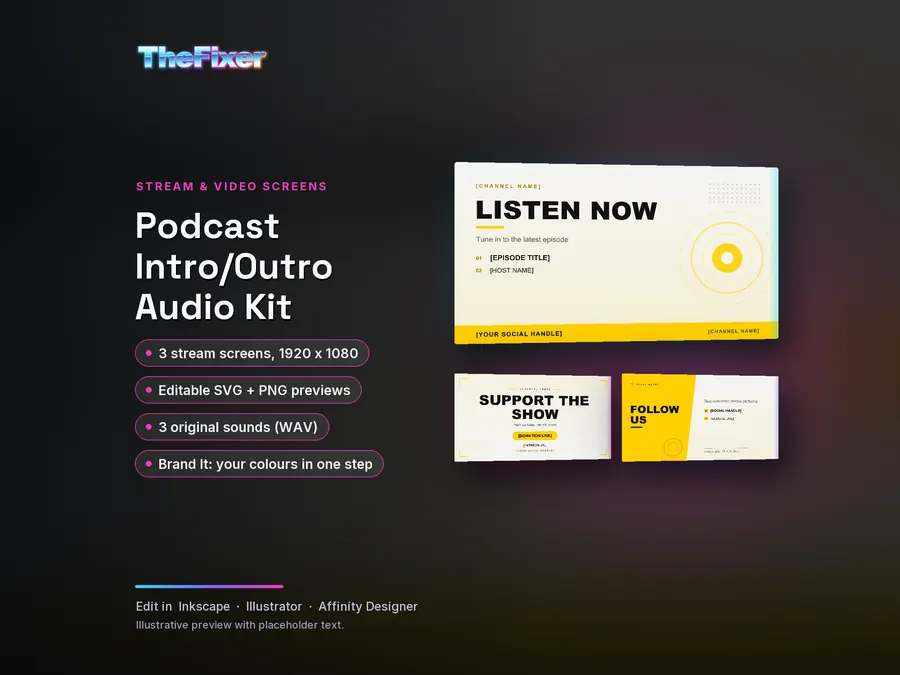
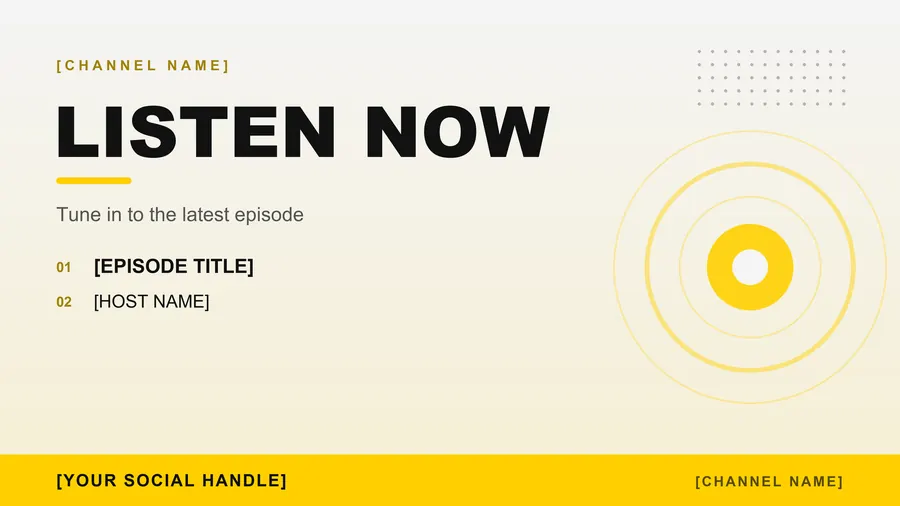
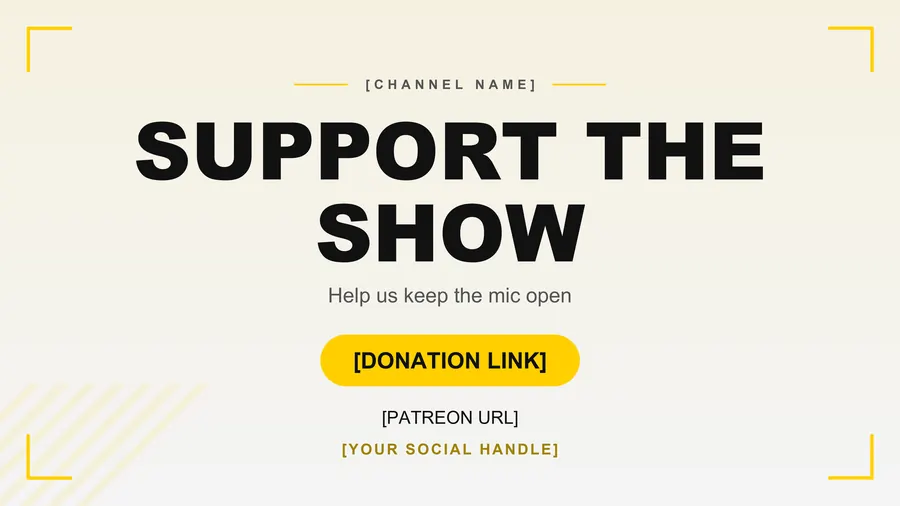
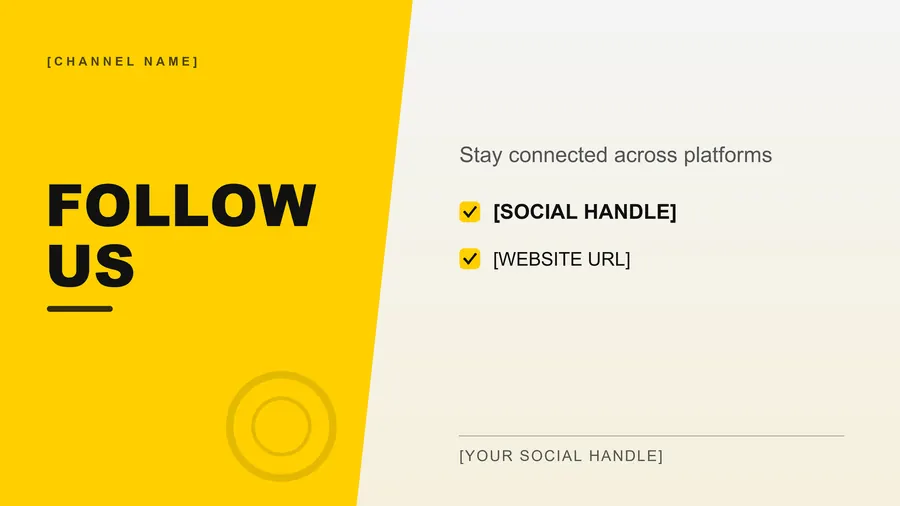
Three stream screens for independent Podcast Hosts: "Listen Now", "Support the Show" and "Follow Us", each in its own professionally designed layout (broadcast, centre stage and side panel). Each 1920x1080 screen has placeholder prompts for episode title, host name, donation link, patreon url, social handle and website url. Also included: 3 short synthesized sound effects (a rising and a falling transition plus a completion sound).
- 3 stream screens, each as an editable SVG plus a PNG preview
- 3 WAV sound effects (48 kHz)
- README and LICENSE
- Brand It: a one-page tool that reads the colours from your logo, applies them to every design and places your logo on each one (runs in your browser, offline)
In the download: 3 PNG previews, 3 editable SVGs, 3 WAV sounds, README and LICENSE.
Checkout and download are handled by the store you choose. Sample photos are placeholders made in our own studio; replace them with your own. Custom editing is not included.
Recently viewed
Pick up where you left off.
What software do I need?
Invoice templates and Business Kits include an Excel workbook (.xlsx) and fillable PDFs that work in free PDF readers. Social media templates and stream screens are SVG files: open them in a vector editor such as Inkscape (free), Figma or Adobe Illustrator. Every pack also includes PNG previews.
How do I get the files?
Instant digital download right after checkout on Etsy, Payhip or Gumroad. Nothing is shipped.
Can I use them for my business?
Yes. Each purchase includes a license to edit and use the files in your own business, videos and creative work, including commercial projects. You cannot resell or share the original files themselves.
Make it yours. Drop your logo into the included Brand It page and every design takes your brand colours, with your logo on each one. Runs in your browser, offline.
New to SVG editing? Read the step-by-step guide (fonts, retyping, photo swap, colours, export).